E-Aadhaar is a digital version of your Aadhaar card. It gives you all the benefits and legal validity of the original card without the hassle of carrying paper. E-Aadhaar is the digital form of your Aadhaar card that you can store and carry on your phone. Carrying your physical Aadhaar card everywhere can be a worry. What if it gets lost or damaged? Thankfully, technology provides a simple and safer solution called E-Aadhaar.
E-Aadhaar is more than a copy of your Aadhaar card. It is issued and certified by the Unique Identification Authority of India (UIDAI) using digital signatures. This means it is fully secure and accepted as a valid identity proof and address proof wherever Aadhaar is required.
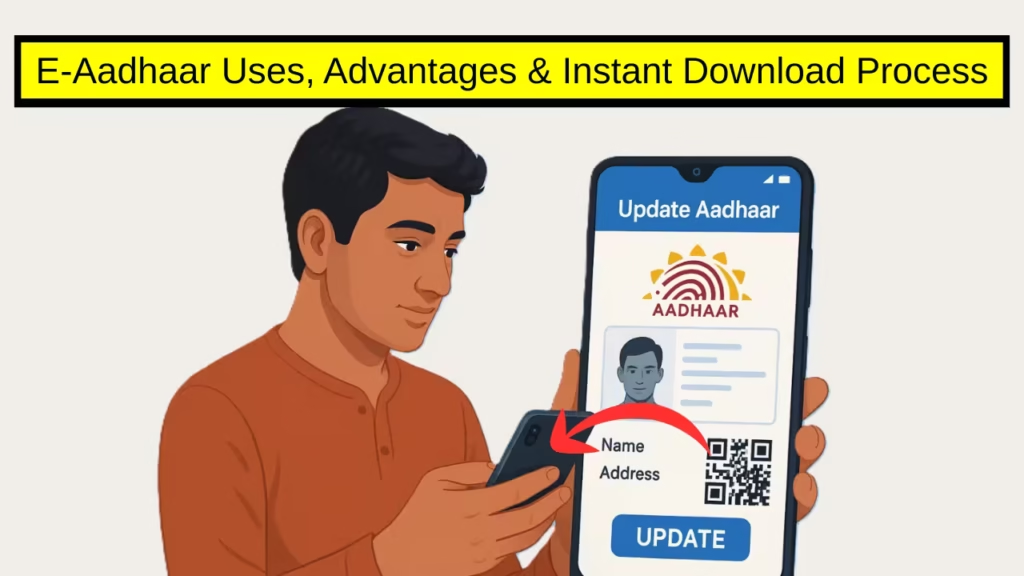
E-Aadhaar Benefits
You can use E-Aadhaar in many ways. It works as a proof of identity for official documents like passports, bank accounts, and mobile connections. It helps in quick offline authentication, such as opening demat accounts or completing your KYC for private companies. This flexible digital identity tool is widely accepted and reduces paperwork.
For extra safety, UIDAI has added biometric lock protection to the app. It ensures your Aadhaar details remain private even if you lose your device. Plus, the app allows scanning of Aadhaar QR codes on government and private services for quick authentication.
UIDAI has said that more features will be added soon through regular updates. These upcoming tools will bring the e-Aadhaar app closer in function to mAadhaar, while keeping the focus on a paperless, faster, and more secure digital experience for every Indian citizen.
PM Kisan 21st Installment 2025: 21वीं किस्त की तारीख हुई जारी, इस दिन आएंगे 2000 रुपये?
MEXT Scholarship 2026 India: Study in Japan with Full Funding – Apply Link, Eligibility & Documents
How to Download E-Aadhaar in 2025?
Getting your E-Aadhaar is easy. First, download the official mAadhaar app from Google Play Store or Apple App Store. Open the app and enter your 12-digit Aadhaar or 28-digit Enrolment ID. You will receive a One-Time Password (OTP) on your registered mobile number for verification. After entering the OTP, you can download your E-Aadhaar instantly in PDF format by setting a password. You can save this file on your phone and open it anytime with a PDF reader.
Make sure your mobile number is registered with UIDAI to receive the OTP. If you forgot your password, it can be reset online easily. Besides the app, you can also download your E-Aadhaar directly from the UIDAI website. E-Aadhaar ensures that your personal data stays with you, protected by a password and security features such as biometrics. This modern version of Aadhaar lets you access services without fear of losing your card or exposing your information. It is a smart and convenient way to carry your most important digital identity securely on your smartphone.
UIDAI new e-Aadhaar app
The Unique Identification Authority of India (UIDAI) has made this possible with its latest launch, the new e-Aadhaar app. The authority shared this update on its X (formerly Twitter) handle, announcing that the app is now live for both Android and iOS users.
What makes the e-Aadhaar app special
The new app lets citizens keep their Aadhaar card safely in a digital form. It has a clean and simple design that allows easy viewing, sharing, and managing of Aadhaar details. People can open the app anytime, anywhere, without worrying about losing or carrying a physical card.
However, the e-Aadhaar app is not a replacement for the existing mAadhaar app. The older app still offers some extra services such as ordering PVC cards, downloading digital copies, verifying mobile and email information, and generating Virtual IDs. These features are not yet available in the new version.
Digital Aadhaar ID
With e-Aadhaar, users get more power to protect their information. The app allows you to decide which details to share and which to hide before sending them to any agency or service provider. Sharing happens through a verified digital format, making it safe and trustworthy.
Another helpful option is that users can store more than one Aadhaar card in the same app — up to five profiles — as long as they are linked to the same mobile number. This is a big plus for families who want to manage everything from one phone.
Minor PAN card apply online – Eligibility, Documents, and Online Application @incometax.gov.in
How to USe e-Aadhaar app
Getting started with the e-Aadhaar app is very easy. Download the app from the Google Play Store or Apple App Store. Choose your preferred language and enter your 12-digit Aadhaar number. The app will ask for an SMS verification from your registered mobile number. After you receive and enter the One-Time Password (OTP), complete face authentication. Set a six-digit password for your account. Once this is done, your Aadhaar card will appear in your profile. You can then choose to mask your Aadhaar number, lock it with biometrics, or share it securely with others. You can also repeat the same steps to add up to four more profiles for your family members.